
Setup
Open the Connectors page
Go to claude.ai/customize/connectors. Click the + button at the top and choose Add custom connector.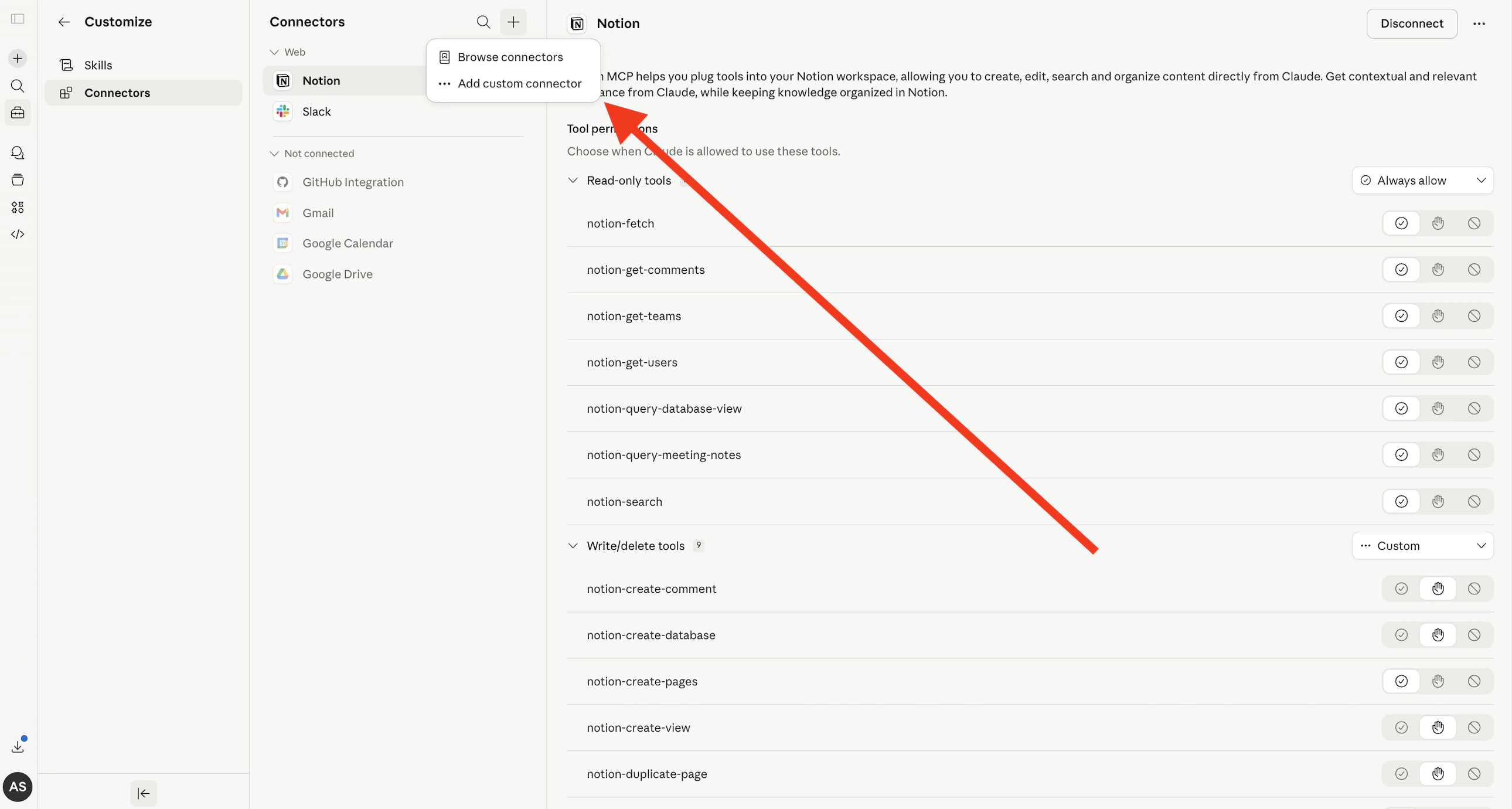
Configure the connector
In the modal that appears, fill in the following: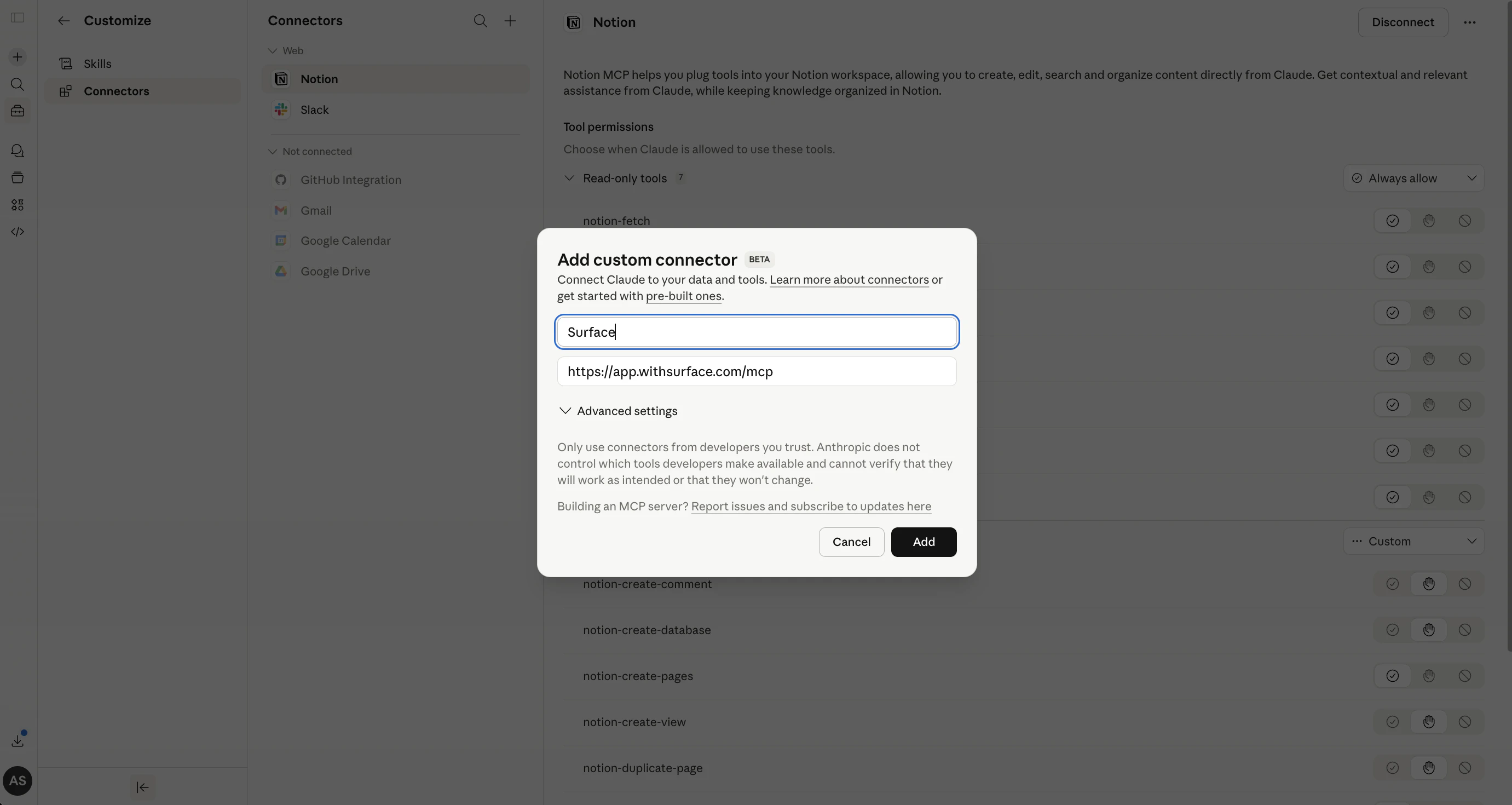
- Name:
Surface - Remote MCP server URL:
https://app.withsurface.com/mcp
Connect your account
After adding the connector, click the Connect button to authenticate with your Surface account via OAuth.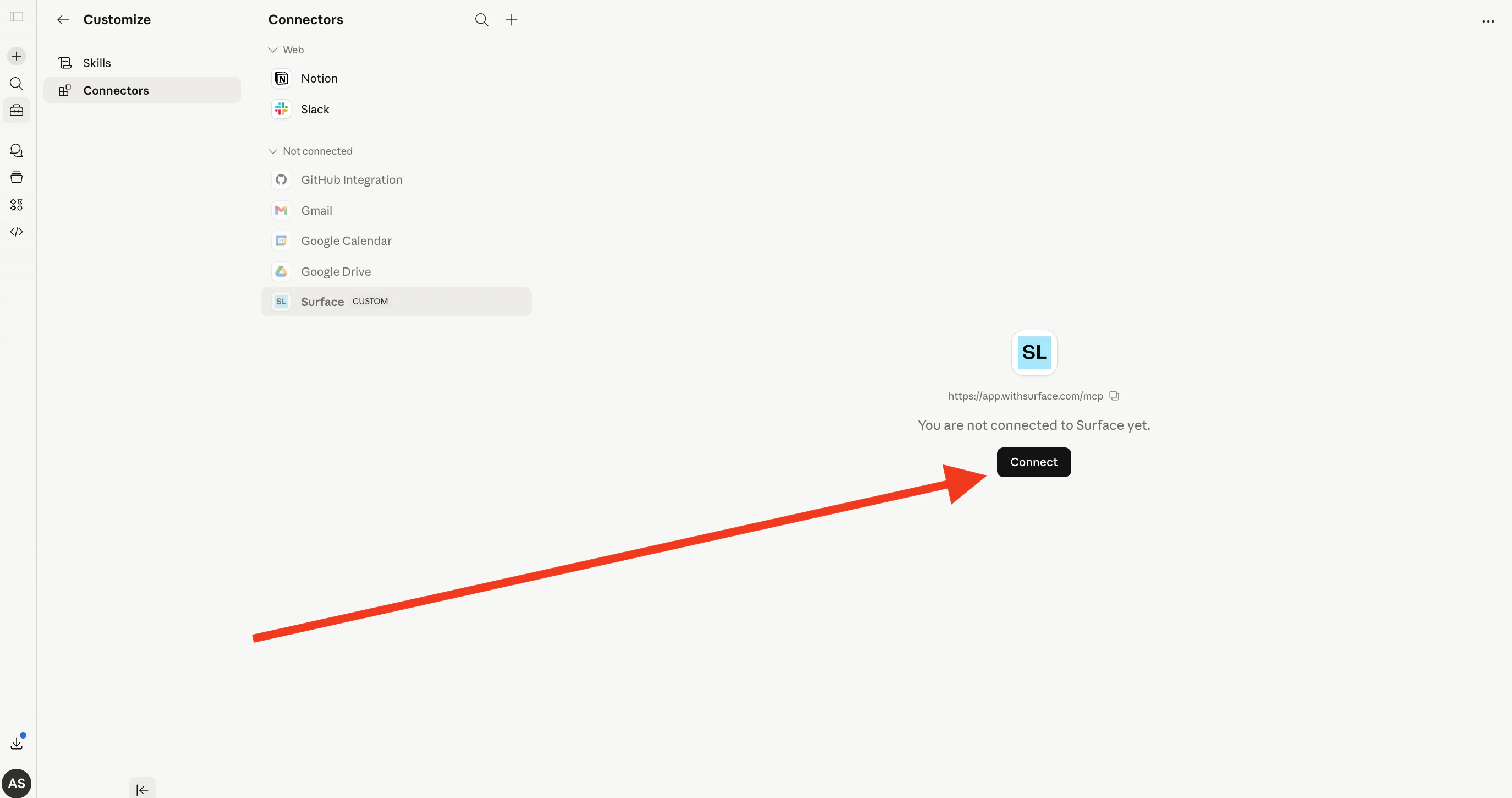
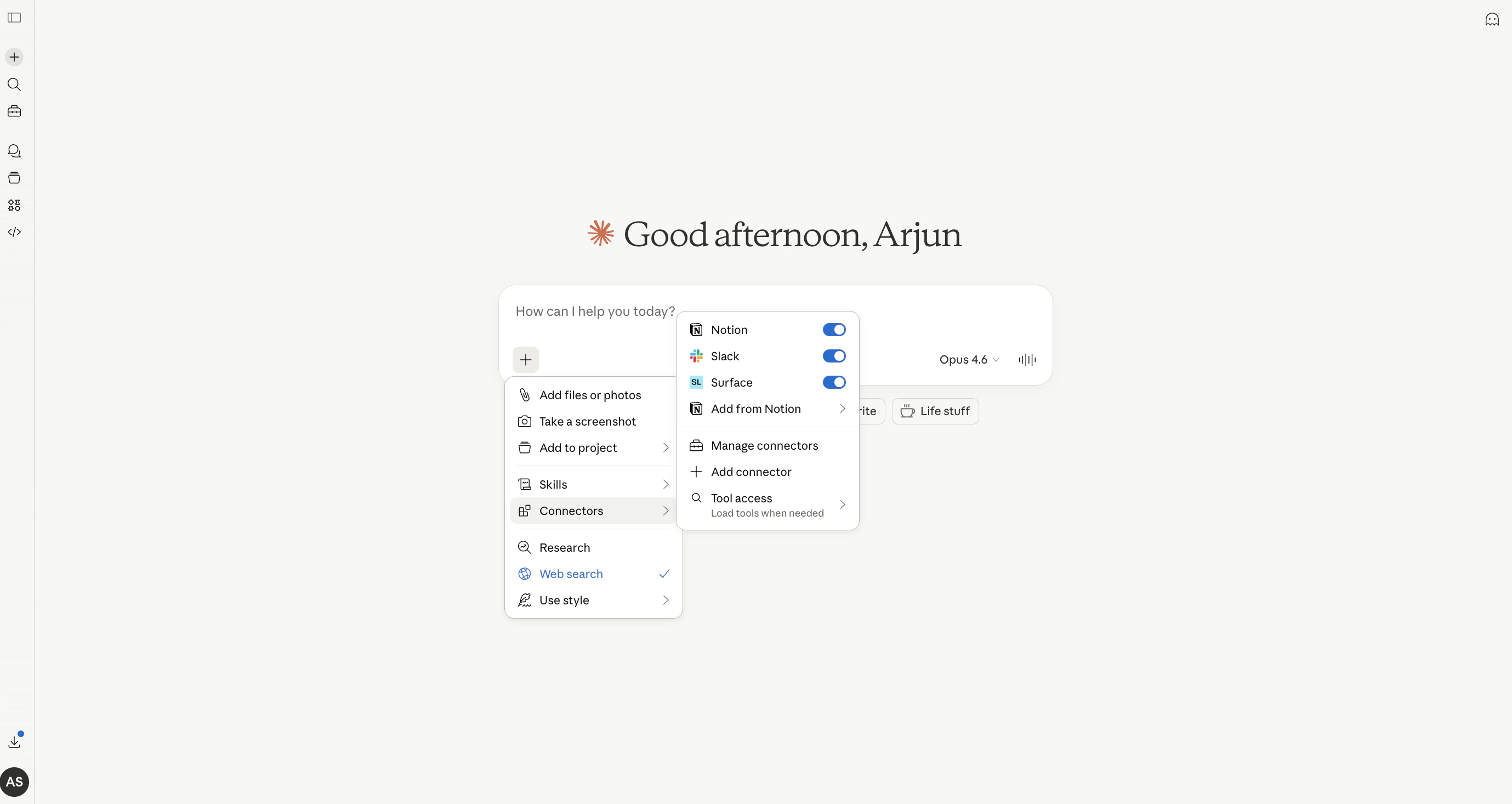
The OAuth connection is tied to your Surface account and environment. You don’t need to manage or rotate API keys — Claude handles the authentication automatically.