
API Reference
API Keys
Learn how to create and manage API keys for the Surface API
API keys are required to authenticate requests to the Surface API. Each API key is scoped to your environment and provides access to all resources within that environment.
Creating an API Key
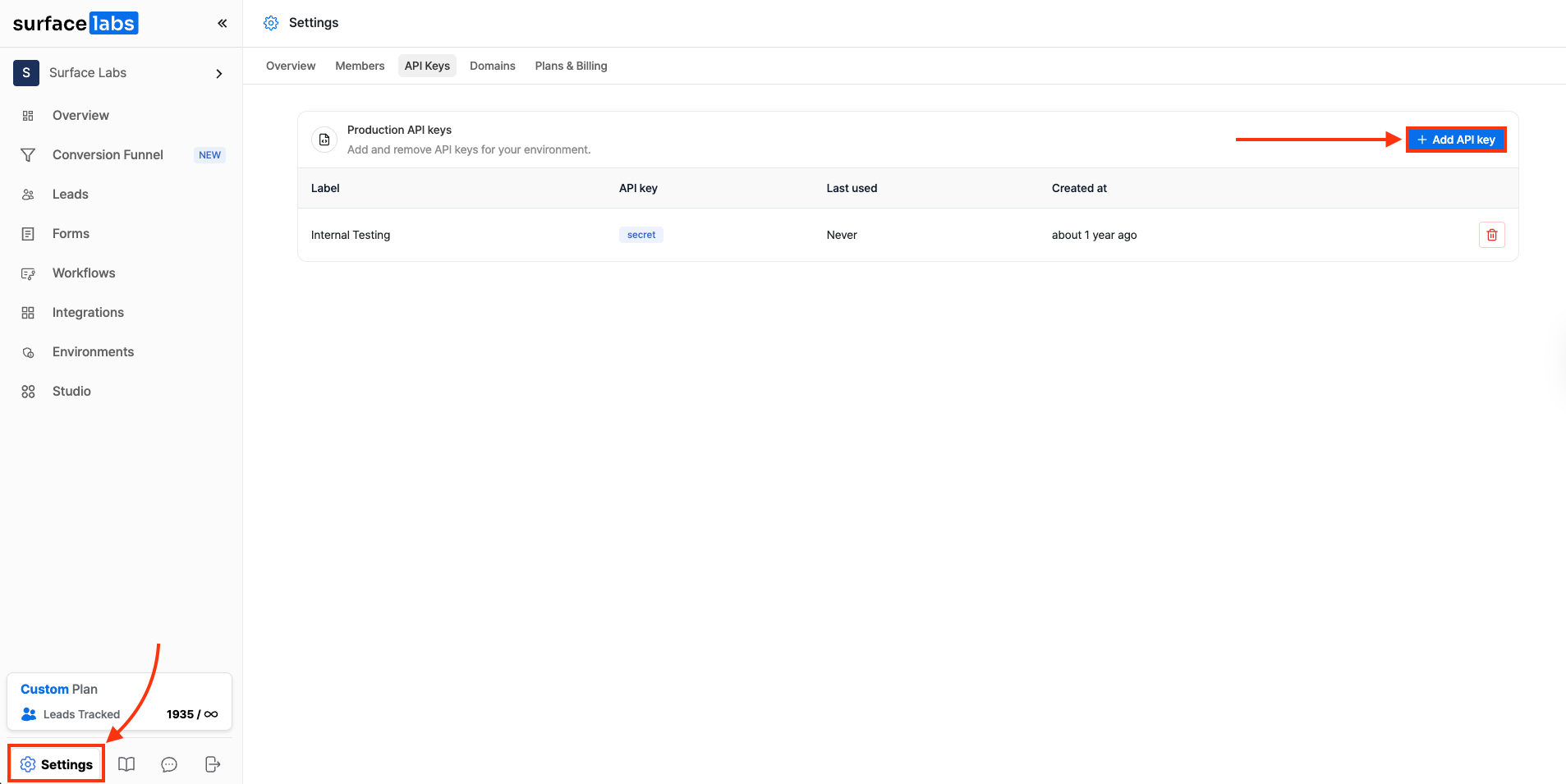
- Log in to your Surface account.
- Go to Settings > API Keys.
- Click on + Add API Key.
- Give your key a name and click Create.
- Copy and note down the API key immediately, as it won't be shown again.
API keys are only shown once when created. Make sure to save your API key securely. If you lose it, you'll need to create a new one.
Using Your API Key
Include your API key in the x-api-key header for all API requests:
curl -X GET 'https://forms.withsurface.com/api/v1/responses' \
  -H 'x-api-key: your-api-key-here'