
PlatformForm Builder
Workflows
Build powerful follow-up workflows for every form submission and website visitor
Build powerful follow-up workflows for every form submission and website visitor.
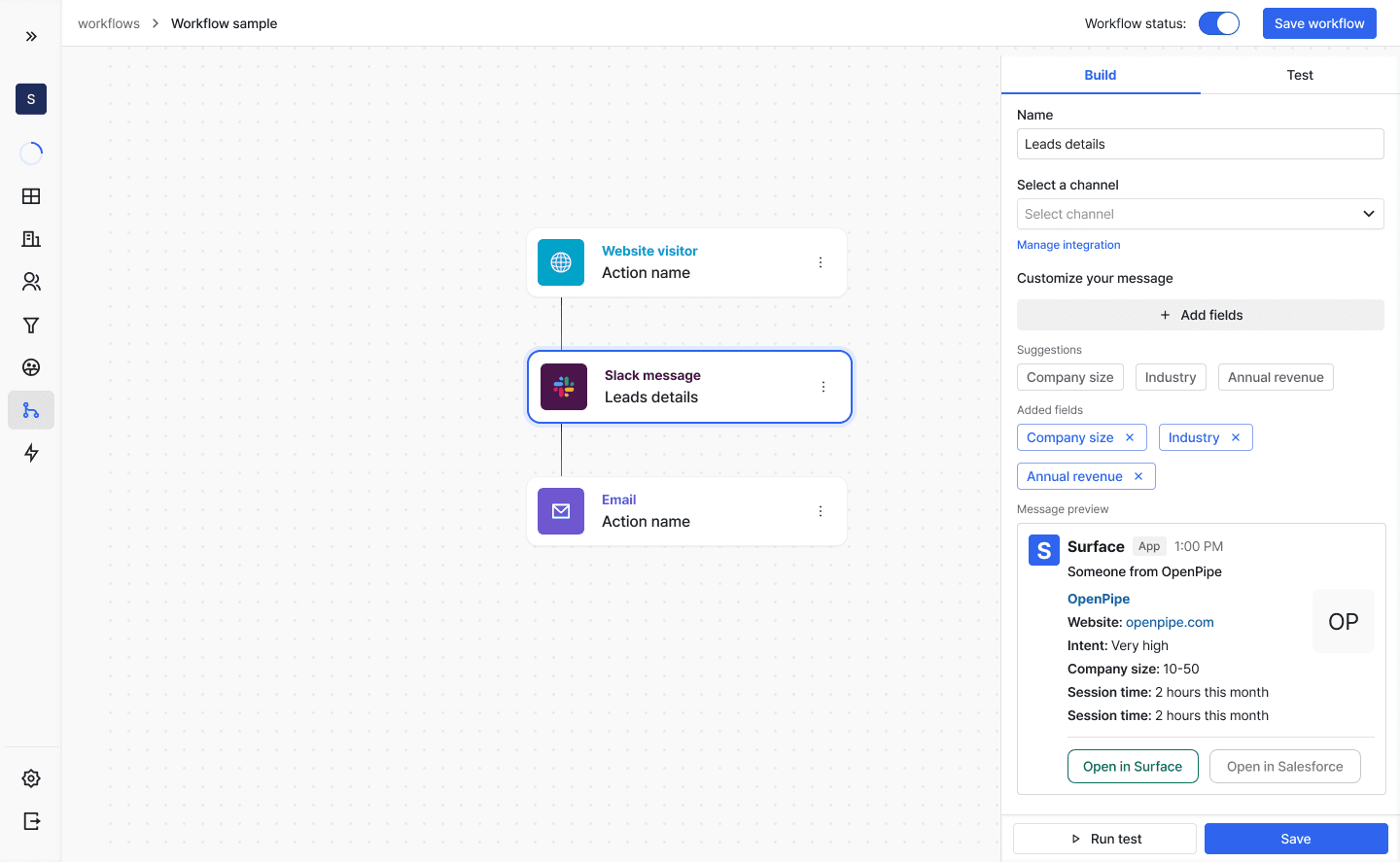
Workflows allow you to automate actions based on form interactions and lead activities. Create sophisticated automation flows that trigger when users interact with your forms.
Workflow Triggers
Workflows can be triggered at different stages of form interaction:
- Complete Form Submission
- In Progress
- Dropped Off
- Anonymous Website Visitor
Available Actions
Connect your forms with various platforms and services:
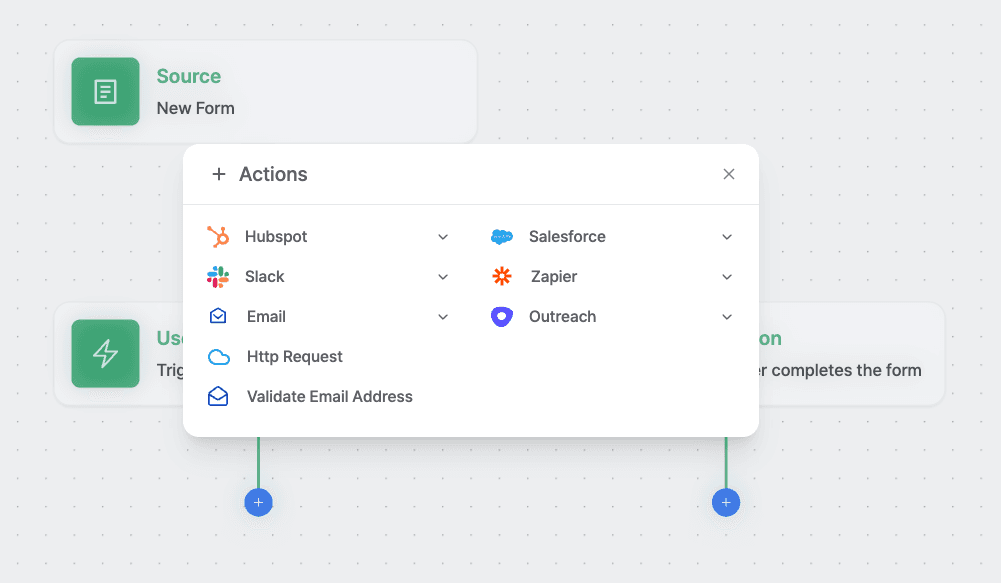
Creating a Workflow
- Click "Create workflow" button
- Select "Surface forms" as the source
- Choose your specific form
- Select trigger event:
- Form Submission
- In Progress (Step0)
- User Dropped Off
- Add desired actions
- Configure action settings
- Activate workflow