
Integrations
Slack
Get a Slack notification when someone submits, progresses through or drops off a form
Integration Steps
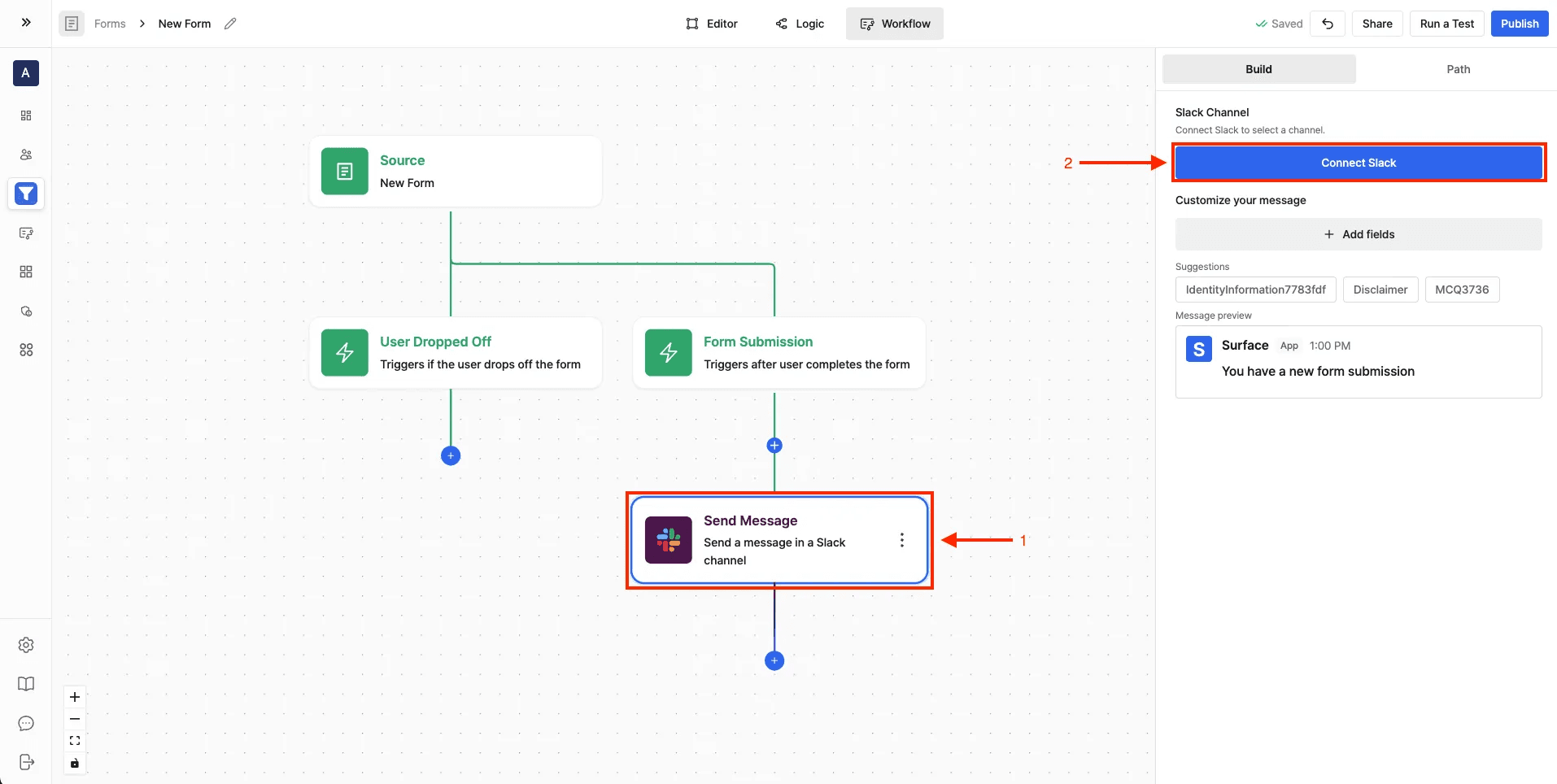
- Navigate to the Workflow Builder
- Click a + button to add an action
- Add a Slack action and click Connect Slack
- Select your Slack workspace and authorize with required permissions
- Click Install to complete the basic setup
Private Channel Configuration
For a private channel, add the Surface bot to the channel first.
-
Open the channel where you want to receive notifications
-
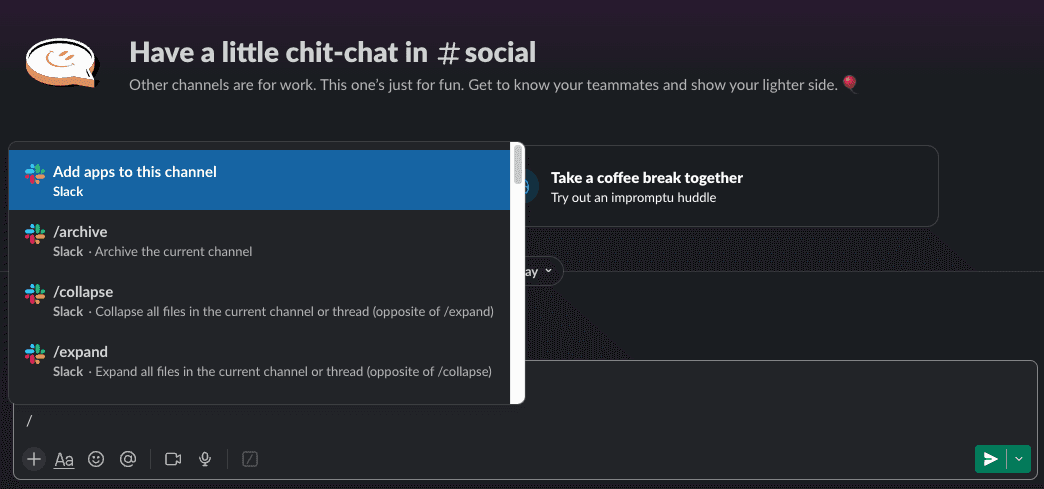
Add Surface app to the channel using:
-
Select "Surface" from the apps list
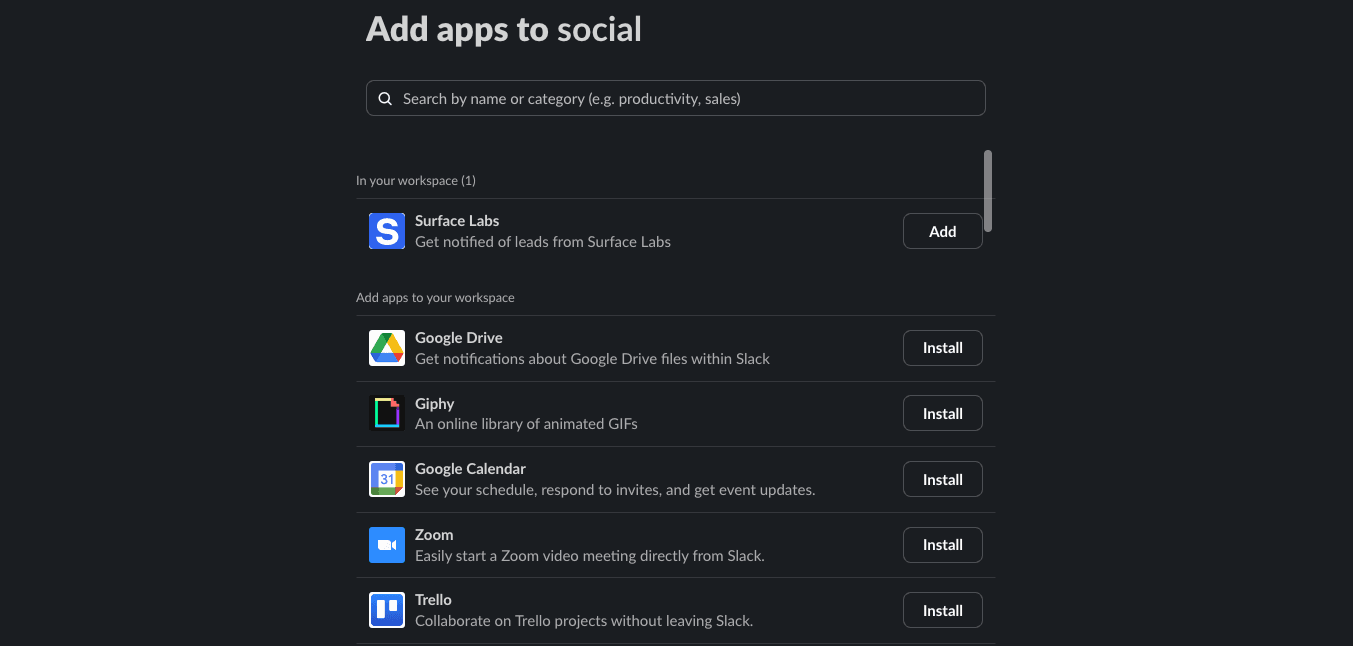
Make sure you have the necessary permissions in your Slack workspace to add apps to channels.
Notification Types
Configure different types of notification:
- Form Submissions: get notified when users complete your forms with submission details
- Form Progress: track when users start filling out forms or complete specific steps
- Form Abandonment: receive alerts when users drop off from your forms
- Lead Alerts: get instant notifications for high-value leads based on your criteria